


Learn Clip Studio Paint
Learn Clip Studio Paint
Paperback
Couldn't load pickup availability
Join our rewards scheme and earn reward points on this purchase!
Earn points on this!
Sign in or Sign up!- Release Date: 20/12/2018
- Barcode: 9781789347036
- Genre: Computing & Internet

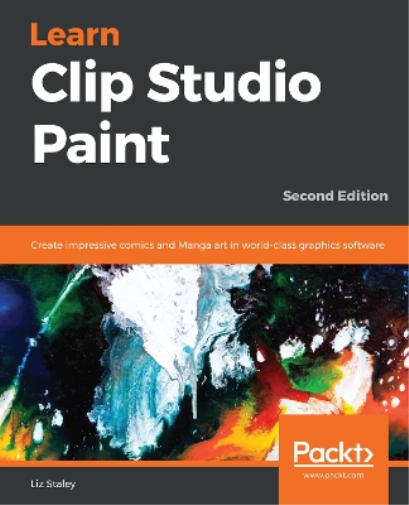

Learn Clip Studio Paint
Couldn't load pickup availability
Collapsible content
DESCRIPTION
Create impressive comics and Manga art in world-class graphics software, 2nd Edition. Learning a new software can be daunting, especially graphics one. Even if you’re fluent in graphics software, switching to a new one can be a challenge. This book makes the transition to creating art in a digital environment easier with Clip Studio Pro. From installing the program to customizing tools and beginning an animation, learn the tips . Take your comics and illustrations to the next level with the powerful art tools in Clip Studio Paint 1.8 Clip Studio Paint, the successor to Manga Studio, is used by over four million illustrators and comic creators around the world. This book will guide you through every step of learning this software, from system requirements and installation, all the way through to exporting your work for print or the web. Learn how to create new documents, customize tools to fit your working style, use ruler tools to create anything from straight lines to intricate backgrounds, add 3D elements, create comic panels using the specialized panel tools, utilize screentones and materials, add text and word balloons to your comics, create sound effects, easily flat and color your comics using reference layers, and bring your drawings to life using the animation features. By the end of this book, you will be able to navigate the Clip Studio Interface and program preferences, customize the various tools, and be able to create your own black-and-white and color illustrations and comics from start to finish. If you are a beginning digital artist or are switching to Clip Studio from another graphics software, this book is for you. This book is excellent for those with no knowledge of digital art up to intermediate users looking to explore the unique features of Clip Studio Paint.
Book Description
Who this book is for
DELIVERY & RETURNS
UK Delivery:
- Free delivery on all orders of £10 or more.
- £1.49 delivery fee on orders below £10.
- UK orders are shipped via Royal Mail 2nd Class.
International Delivery:
- Flat rate delivery charges vary by country.
Dispatch and Delivery Times:
- All orders are shipped from our warehouse in Northampton, UK as soon as stock is available.
- UK mainland orders typically arrive within 3-7 working days via Royal Mail 2nd Class.
- International estimated delivery times:
- Europe & Channel Islands: 7 to 10 working days
- USA: 7 to 15 working days
- Rest of the World: 9 to 30 working days
View our full delivery infomation here.
-
OVER
2 MILLION PRODUCTS
-
60 MILLION CUSTOMERS
ACROSS 190 COUNTRIES
You might also like
Loading recommendations...